Why does SpareHolidays verify identities?
Because money changes hands between two strangers, and both need to know the other is a real, named person. Before a sale can complete, the seller has shown Stripe a government-issued photo ID that matches the name on their account, and so has the buyer. Nobody sells or buys here under a made-up name.
We say this plainly because it is a filter, and we want it to be: if you intend to sell, you already know you will need to prove who you are, and the check is the same for everyone. What it does not do is judge the booking. A separate review by a person looks at the booking evidence, and passing the ID check says nothing about whether a listing is accurately described.
What does Stripe ask me for?
One thing: a photo of a valid government-issued photo ID, taken live with your camera. A passport, a driving licence or a national identity card all work.
Stripe photographs the front of the document and, for cards, the back as well. From the picture it reads your name, your date of birth and the document number, and checks that the document is genuine and has not expired. There is no selfie step and no video call on SpareHolidays: the check is document-only.
Have the physical document in your hand before you start. Stripe takes the picture through your camera, so a scan, a photocopy or a screenshot of your ID is rejected automatically. On a phone the whole thing usually takes a couple of minutes; on a computer Stripe shows a code to finish with your phone's camera, or lets you continue with the computer's own camera.
What do the verification screens look like?
Seven short screens, and the pictures below are the real ones, taken on a test account so nothing personal appears.

1. Before you leave SpareHolidays, a consent box lists exactly what Stripe will collect. Nothing is sent until you agree. 
2. Stripe's welcome screen. It names SpareHolidays as the company asking and links to Stripe's privacy policy. 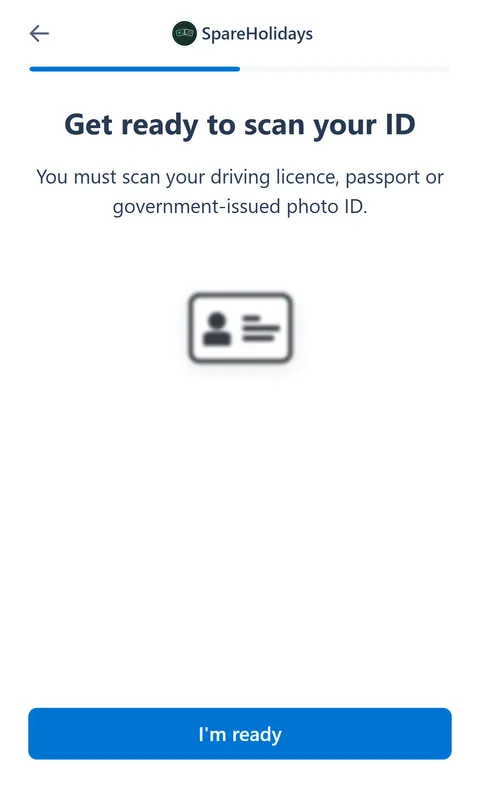
3. 'Get ready to scan your ID': have your document flat on a table, in good light. 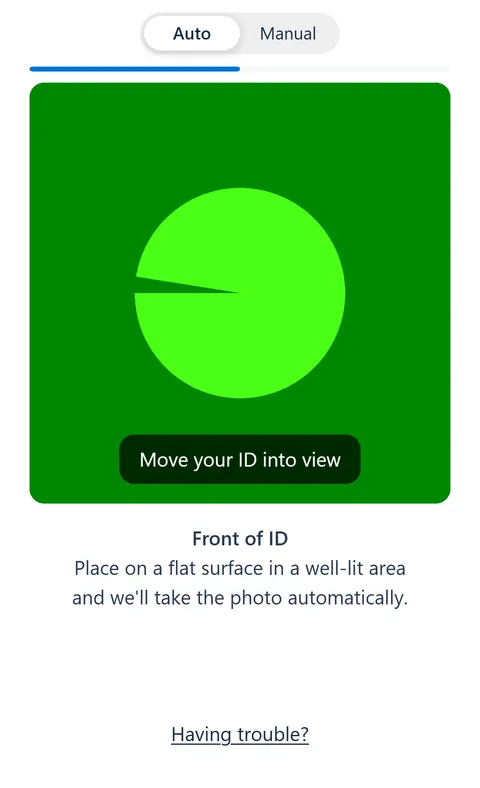
4. The camera view. Stripe takes the photo of the front of your ID by itself once it is in the frame, then asks for the back. On the test phone the camera shows a blank pattern; yours shows your document. 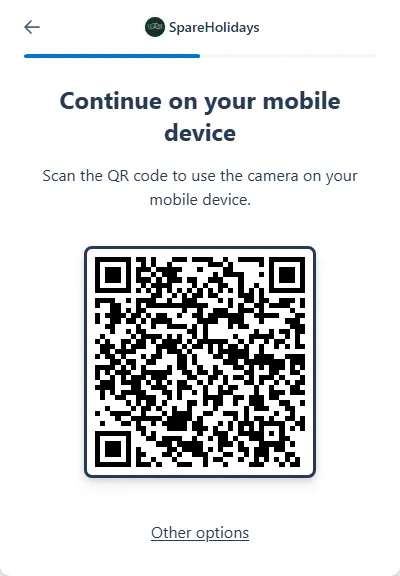
5. On a computer, Stripe shows a code to scan with your phone so you can use its camera, with other options underneath. 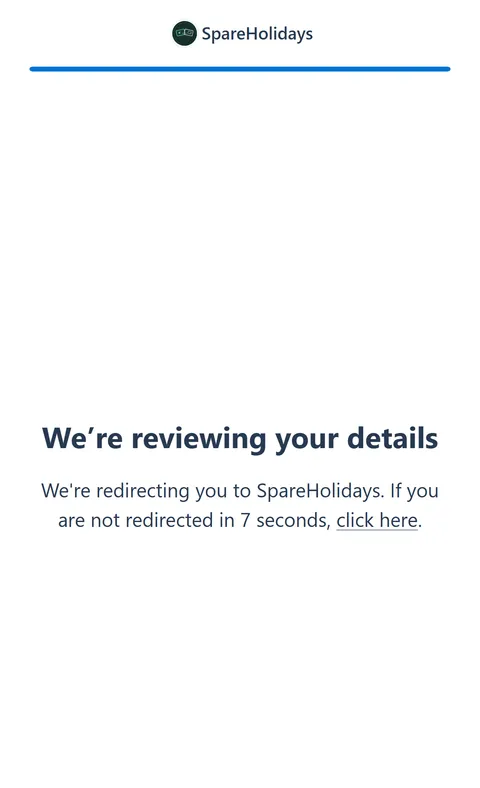
6. 'We're reviewing your details': Stripe sends you back to SpareHolidays and finishes the check in the background. 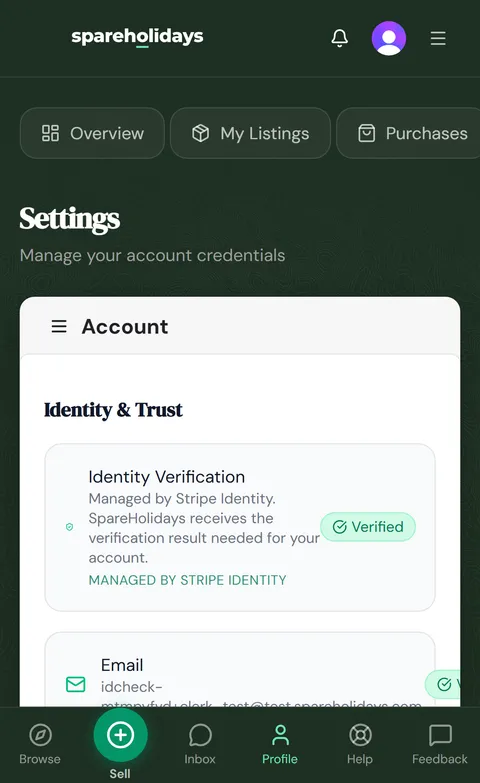
7. Back in your settings, the Identity & Trust card shows Verified and points you to the next step, setting up payouts.
The result usually arrives within minutes, but Stripe controls how long it takes, so you do not need to stay on the page. Your account updates by itself and we email you as soon as you are verified.
Who sees my ID document?
Stripe does. SpareHolidays never receives the photo of your document and has no way to view it.
What SpareHolidays gets back is the result of the check and the name and date of birth Stripe read from the document, which are written to your account so that the name other people see and the name on your payout account belong to the same person. The document images, the document number and everything else stay with Stripe under Stripe's own privacy policy, linked from every screen of the check.
The same company already handles the money: Stripe takes the buyer's payment and holds the seller's payout balance, so the ID check adds no new third party to the deal. If you delete your SpareHolidays account, the verification record is deleted from Stripe as part of the erasure.
What happens if the check does not go through?
You can try again from your dashboard, as many times as you need, and nothing you have already listed or paid for is lost.
Stripe tells us why it stopped, and we pass the reason on in a notification and an email: the consent step was not accepted, the document has expired, the document could not be read clearly, or the check could not be completed. By far the most common cause is a scan, photocopy or screenshot instead of a live photo of the physical document.
So for the retry: hold your physical ID in front of your phone camera when asked, flat and in good light, and it usually passes first time. If it fails again with a valid document, write to support and tell us what happened, and a person will look at it.
When am I asked to verify, as a buyer and as a seller?
At the moment money is about to move, and not before. Signing up, browsing, listing and paying all happen without an ID check.
As a seller, you can create and submit a listing before the check, and it goes live once a person has reviewed it, marked 'Identity not verified' until you verify. The check becomes mandatory when a sale is on the table: accepting a buyer's offer, making a counter-offer and handing the booking over all require it, and the site refuses each step until it has passed. For vouchers, the code cannot be bought until the seller is verified.
As a buyer, you pay first, and your money is held by Stripe. The check is asked once, right after payment, when you enter the traveller details for the transfer; the site will not go further until you are verified, and it emails you a link. The money is not released to the seller until you have passed.
Questions people ask
Is the ID check a one-time thing?
Yes. Once your identity is verified it stays verified for the life of your account, whether you go on to buy, sell or both; you are not asked again for each listing or each deal.
If a check was started but never finished, we reset it after a day and email you a fresh link, so an abandoned attempt never blocks you for good.
Can I use a scan or a photocopy of my ID?
No. Stripe takes the picture live through your camera, and uploads of scans, photocopies or screenshots are rejected automatically.
This is the single most common reason a check fails, so if yours did not go through, that is the first thing to change on the retry: physical document, phone camera, flat surface, good light. Done that way, it usually passes first time.
Which documents does Stripe accept?
A passport, a driving licence or a national identity card, issued by a government and still valid.
Stripe reads the document's security features, so it has to be the original, not a copy, and not expired. Stripe publishes the full list of countries and document types it supports. If your document is not on that list, write to support before you start and we will tell you what to do.Source: Stripe — Stripe Docs — Identity verification checks (checked 2026-09-04)
Can I do the check on my computer?
Yes. On a computer Stripe first offers a code to scan with your phone, because a phone camera gives the clearest picture, but you can also continue on the computer with its own camera or have the link emailed to you.
Whichever you choose, you land back on SpareHolidays when it is done, with the result waiting in your settings.
Does passing the ID check mean my booking has been verified?
No. The ID check confirms who you are; a separate review by a person looks at the booking evidence before a listing goes live, and buyers are told exactly what that review covers on the What We Check page.
You can submit your listing before finishing Stripe setup. A person reviews the booking proof. After approval, buyers can see and buy it only when Stripe confirms buyer payments and bank payouts are enabled.
Related pages
Sources
- Stripe Docs — Identity verification checks — Stripe, checked 2026-09-04